
Cut list optimizer
Create reusable project files, optimize parts, and save plans in the custom .cutproject format so projects can move between devices.
.cutprojectPlan smarter. Cut cleaner. Keep every board, panel, sketch, and project file organized from the first idea to the final pass.
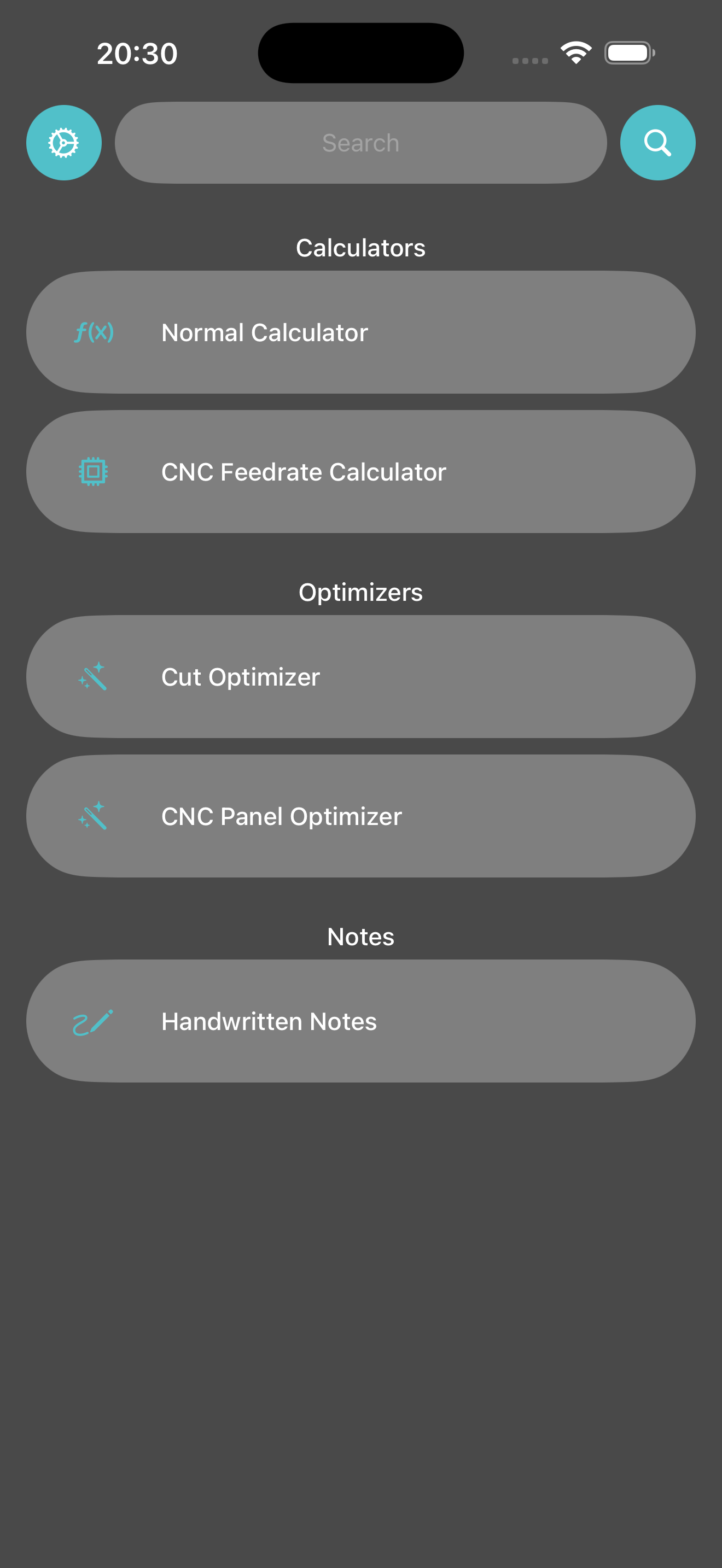
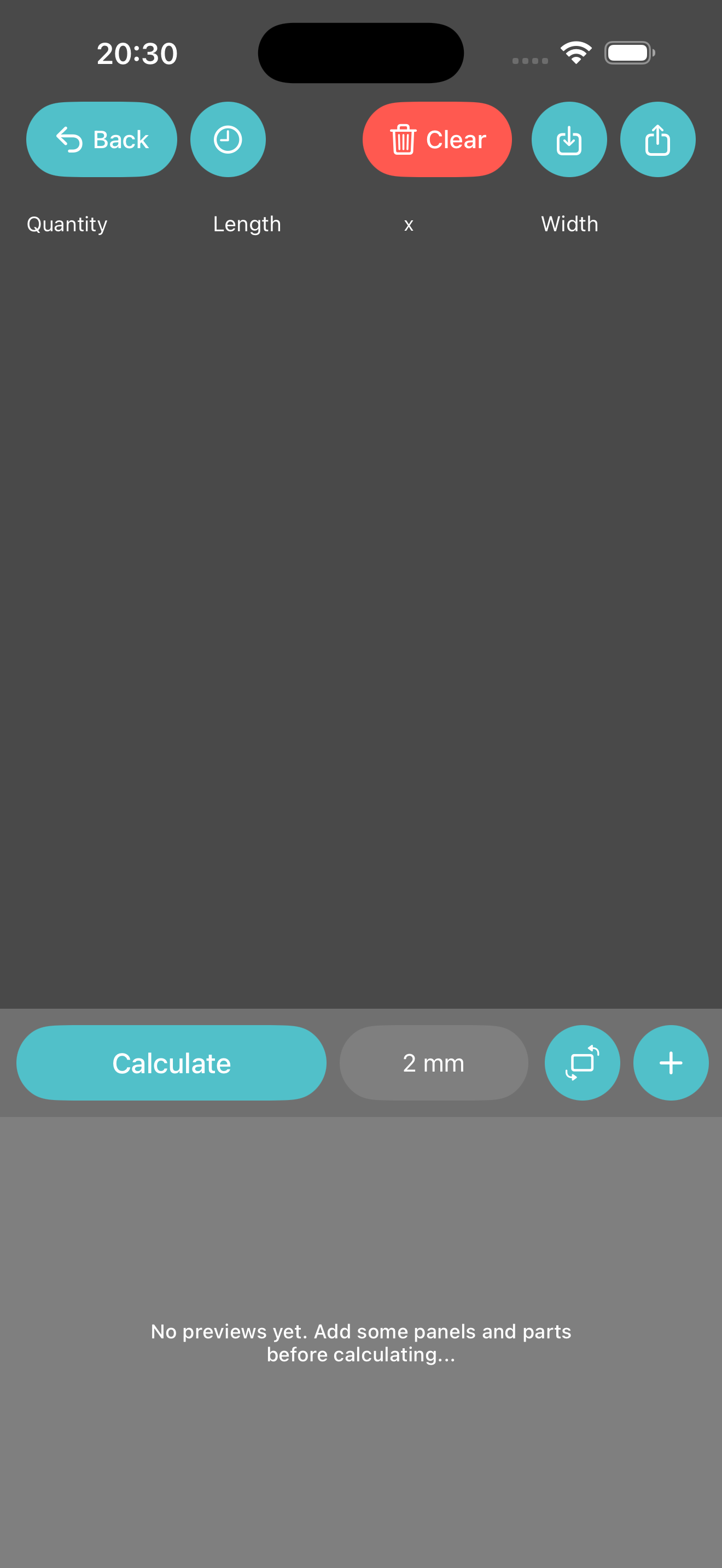
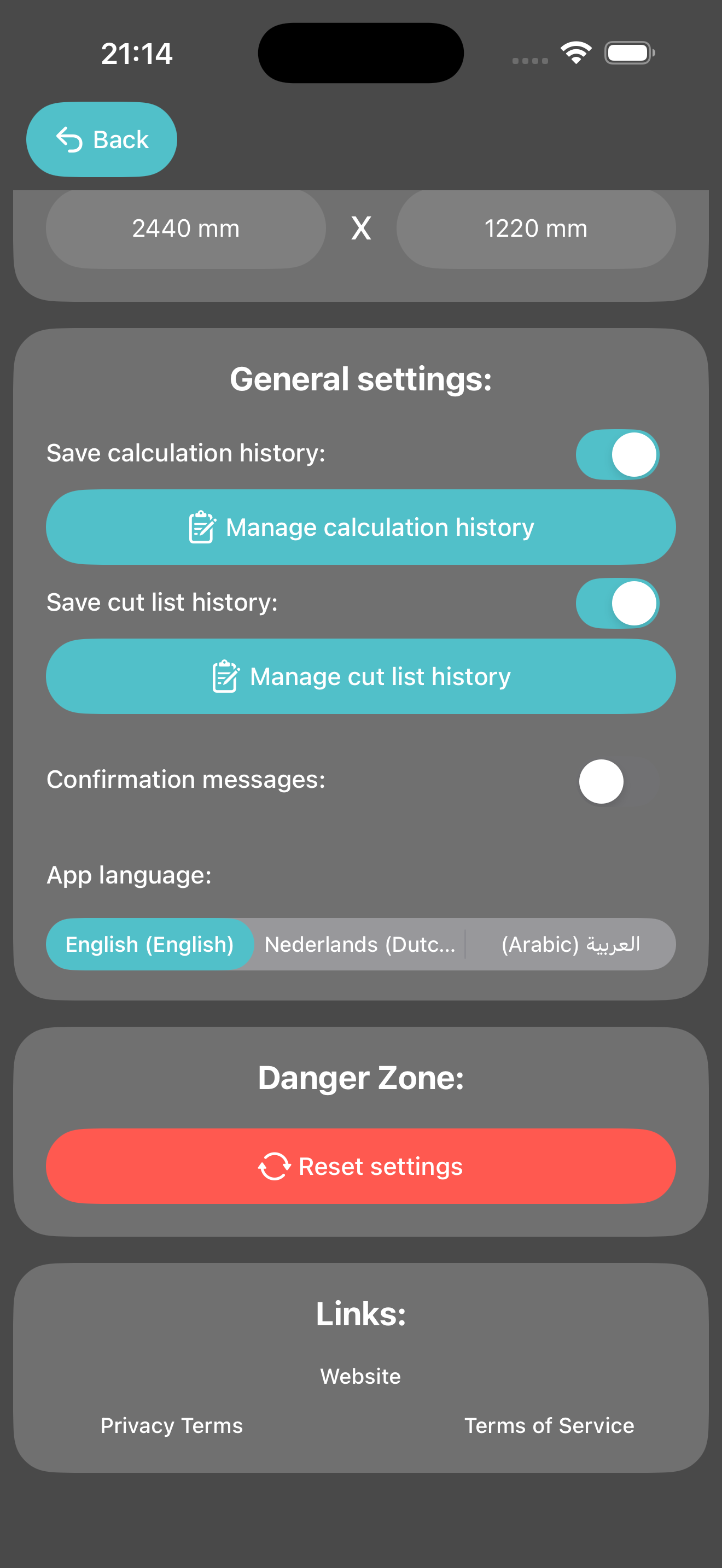
WoodTools focuses on the jobs that slow projects down: turning ideas into accurate lists, laying out panels, and keeping decisions visible.
Create reusable project files, optimize parts, and save plans in the custom .cutproject format so projects can move between devices.
.cutprojectArrange sheet goods with clear dimensions, yield information, and panel-friendly layouts before sending work to the shop floor.
Capture quick measurements, sketches, and build notes directly beside the project they belong to.
A simple flow for cabinetmakers, CNC users, and anyone who wants fewer surprises at the saw.
Add parts, sizes, materials, and notes for the project.
Let WoodTools organize cuts and panel layouts around the material.
Check dimensions, quantities, waste, and notes before work starts.
Carry the plan on iPhone or iPad while the project moves through the workshop.